Feedback
Feedback is highly appreciated! If you have any feedback, please feel free to share it here.
How to request marking
Note that you can only request marking while a class is running (see the timetable), and you must be physically present in the class (or in the Blackboard Collaborate session if the class is online). Otherwise, your request will be declined.
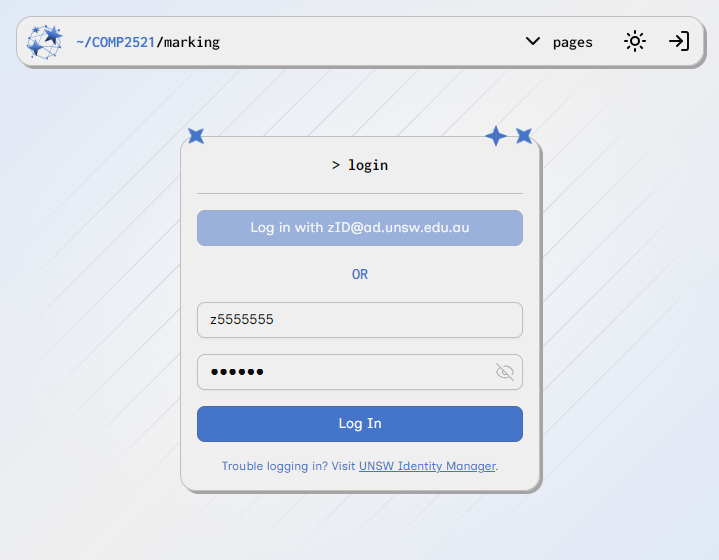
1. Go to https://comp2521-marking.up.railway.app/ and log in. You will be redirected to the Request Marking page.
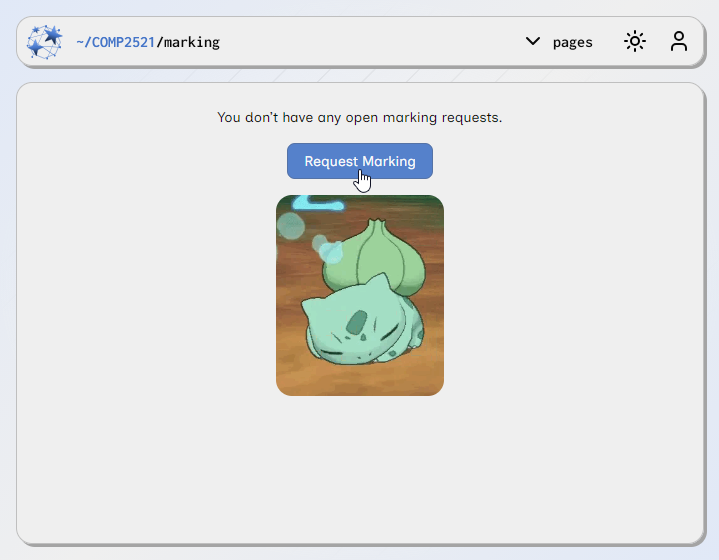
2. Click the Request Marking button.
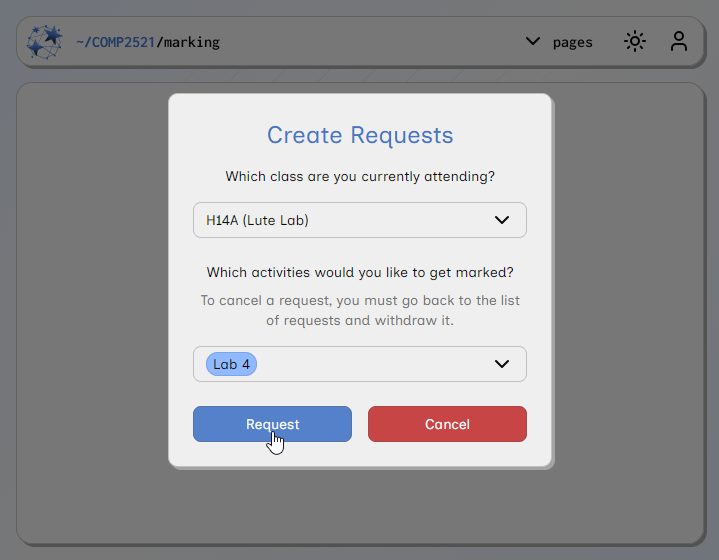
3. Select the class you are attending and the activities that you want to get marked, and click the Request button. Then wait for a tutor to come by and mark you off.
Note that you can only select a class when the lab is currently running. So for example, you can only select T11A from 12-2pm.
4. If you have selected the wrong class or you want to request marking for another activity, click the Edit button. Then update the class or select another activity, and then click the Confirm Edit button.
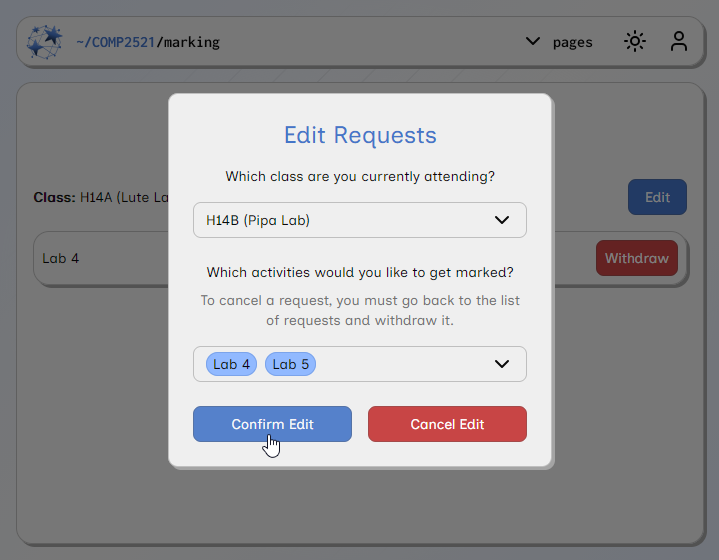
5. If you have selected the wrong activity, you can click the Withdraw button to withdraw your marking request. You will be asked to select a reason.

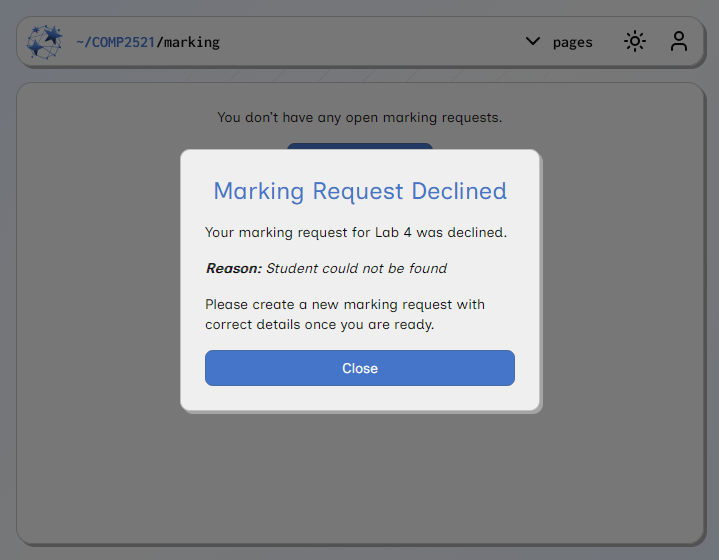
6. If tutors cannot find you, they may decline your marking request. If this happens, you will be notified and you will need to create a new marking request with the correct details.
Resource created Monday 02 March 2026, 04:26:48 PM, last modified Thursday 26 March 2026, 05:06:12 PM.